
Website Template Support
let’s make this easy!
Check the Squarespace resource guide in your account for questions on how to use Squarespace.
Still have questions? E-mail using this form or to templates@23and9creative.com.
E-mail support hours are Monday - Thursday from 10am-4pm.
happy website-ing!

got questions? We got answers!
Frequently asked questions
-
After you click the button in the PDF that comes with your purchase, you will see a big pink button at the top that says “ENROLL IN COURSE FOR FREE." Click that and you’re in!
-
Look for the lesson called “Download + Edit the Graphics files”. Here, there will be a video showing you how to update the files in Canva and below the video links to open each graphic.
-
When you're ready to launch your site, click the settings wheel next to the new homepage in the pages palette. Scroll down in the pop up window and click “SET AS HOMEPAGE”.
-
More than likely I go over it in your specific template video called “How to edit content + photos”, but I’ve also created a blog post about it here.
-
Make sure to watch the “How to add your logo” video even if you already know how! I go over how to crop your logo to make sure this doesn’t happen.
-
I've created a blog post walking you through this!
more tips and tricks


An introdution on how to create and sell courses using Squarespace Courses.


An intro to Squarespace Fluid Engine, my three favorite features and if you should upgrade.

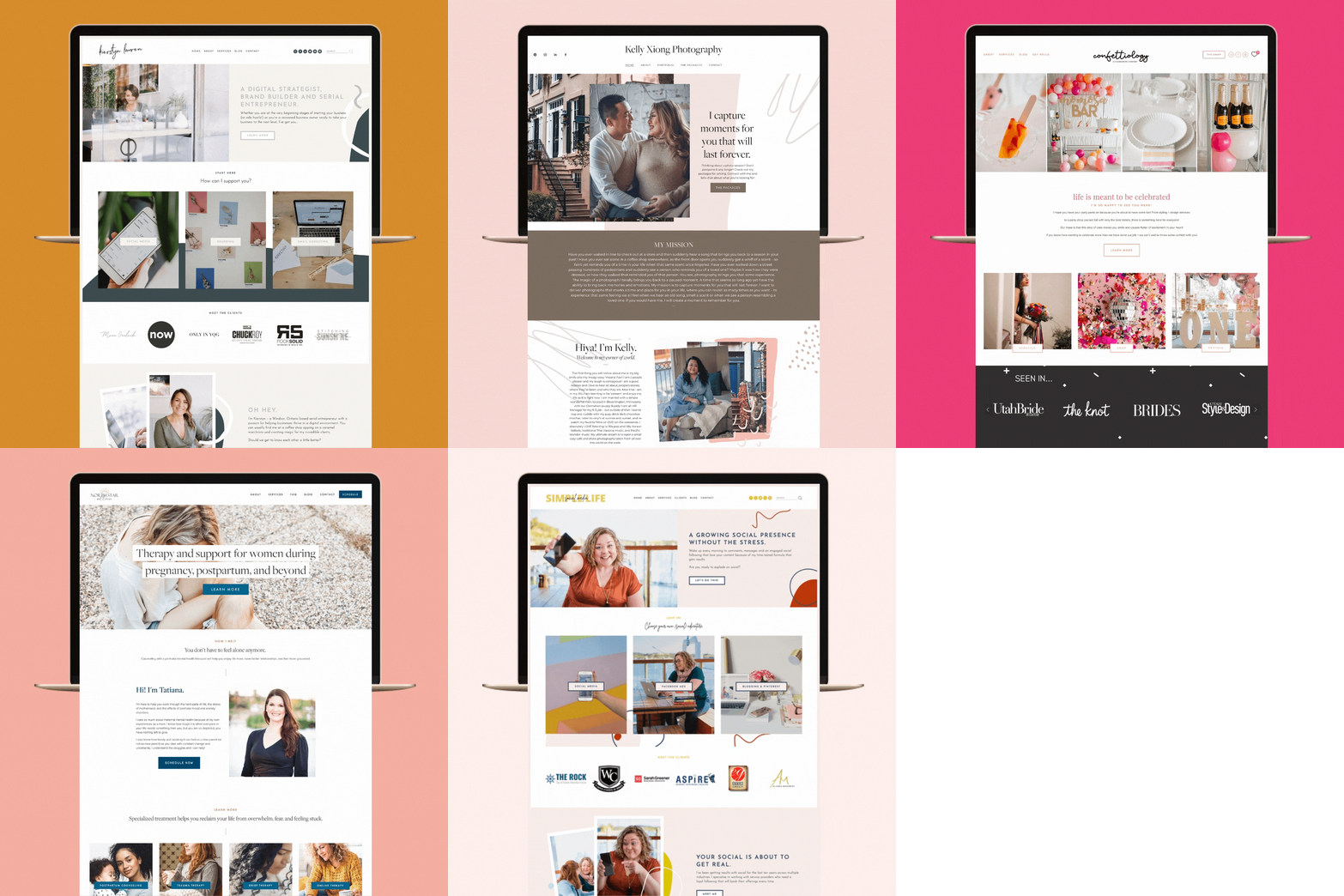


Does my website need hosting? Can I purchase it from somewhere else? What if I already have a domain? Do I need one? These are all GREAT questions and I am here to answer them! I’m going to use an analogy that everyone will understand to try and explain these:


Has your instagram feed stopped updating on your website? Have no fear - this is an easy fix! Follow these few quick steps to get it connected and updated to your latest posts.


After launching over 100+ websites, I have learned (sometimes the hard way!) the ins and outs of the launching process. I have created a double checklist for myself that I go through every single time before I launch a site - and I’m sharing it with you!

Perfect for the social media manager, social content editor, virtual assistant or any virtual service based website! This cheery and fun design helps highlight you’re incredible work while engaging your customers. It’s the perfect way to get your website up and running quickly and beautifully!

“How do I get people to subscribe to my blog?”
”How do I share my freebie with subscribers?”
”How do I create a newsletter sign up and how do I send them newsletters?”
If you’ve ever had any of these questions - this tutorial is for YOU!

Take a few minutes to show your website some love with these 3 simple updates!
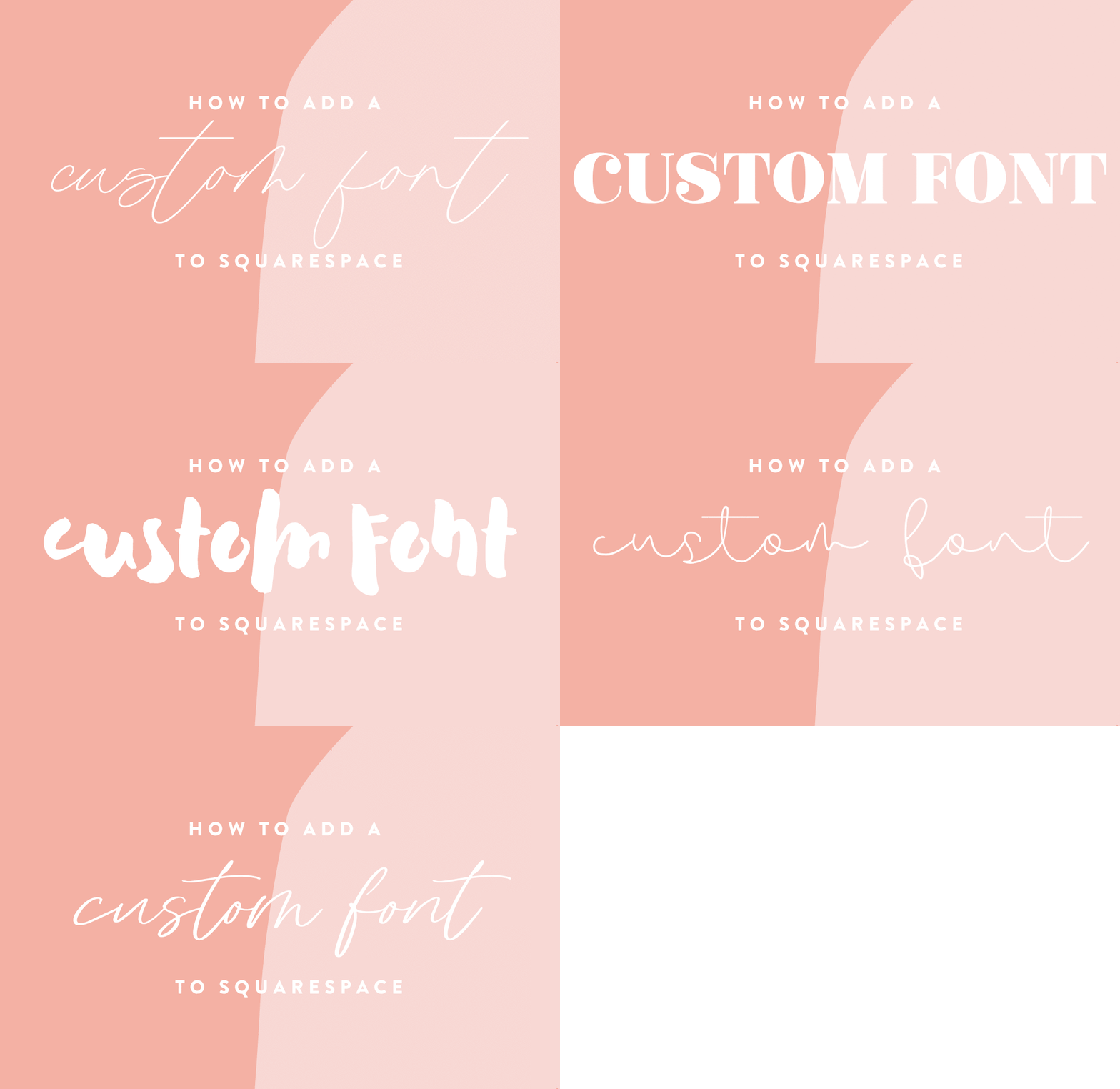
Do you have a custom font you purchased for your brand and want to implement it on your website? Here’s a quick 3 step process on how to add it right now! This does involve using some coding - but don’t freak out! I promise it’s super simple.

Welcome the next Squarespace Template: Lit + Fit! Made with fitness, life coaches, nutritionist and holistic care in mind, this clean and chic design is the perfect way to get your website up and running quickly and beautifully!
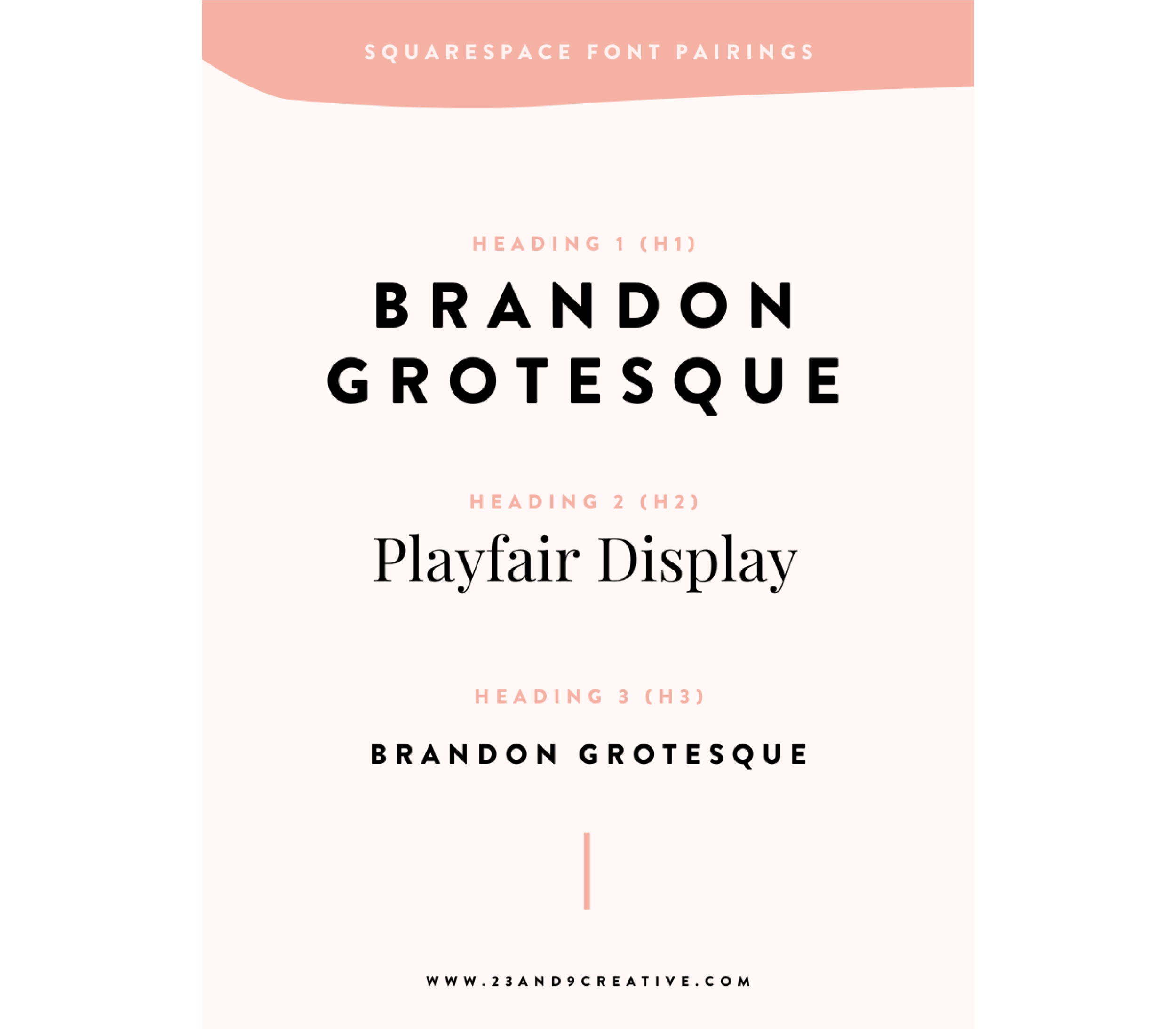
Along with a killer color palette, choosing fonts for your websites is another very important task. Long story short, having too many fonts or using them in the wrong way can work against your awesome content and offerings.

Using categories is the most powerful organization tool in Squarespace! It can be an underused tool that can save a lot of time and hassle organizing your blog, products, events or images in a gallery.

I’m SO excited to launch my first blog specific Squarespace Template!
Perfect for bloggers of all kinds, this design has an eye-catching homepage to show off your latest posts, a sidebar to keep your reader engaged and a full tutorial on taking advantage of all the Squarespace blogging capabilities!

Get more of your blog content in front of your readers by adding a “related posts” block at the end of each post with this simple trick.
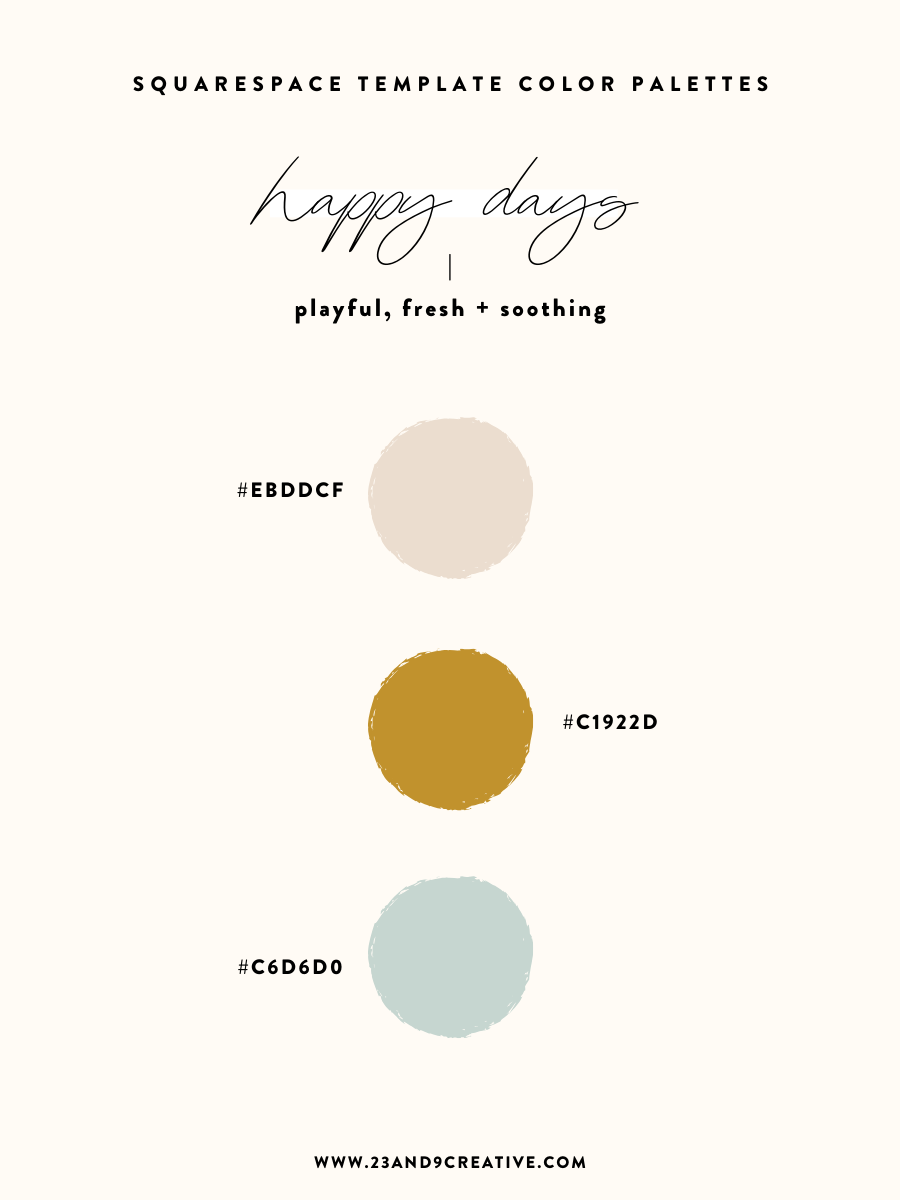
If you’re DIYing your brand or your website needs a breathe of fresh life - I’ve put together 5 color palette ideas to get your creative juices flowing! Sometimes we can go overboard on color (I mean it’s so fun!!), so I’ve paired it down to focus on just 3 colors that will work together and make your website pop!

I’m SO excited about the latest edition to my Squarespace template family.
This chic yet timeless design has the perfect balance of personality and functionality for your business. Perfect for wedding planners, venues, photographers, designers and all creatives!
Website Template.
DIY Website.
Pre-Made Squarespace Website.
Custom Squarespace Template.
Squarespace Theme.
…Do any of these phrases look familiar?
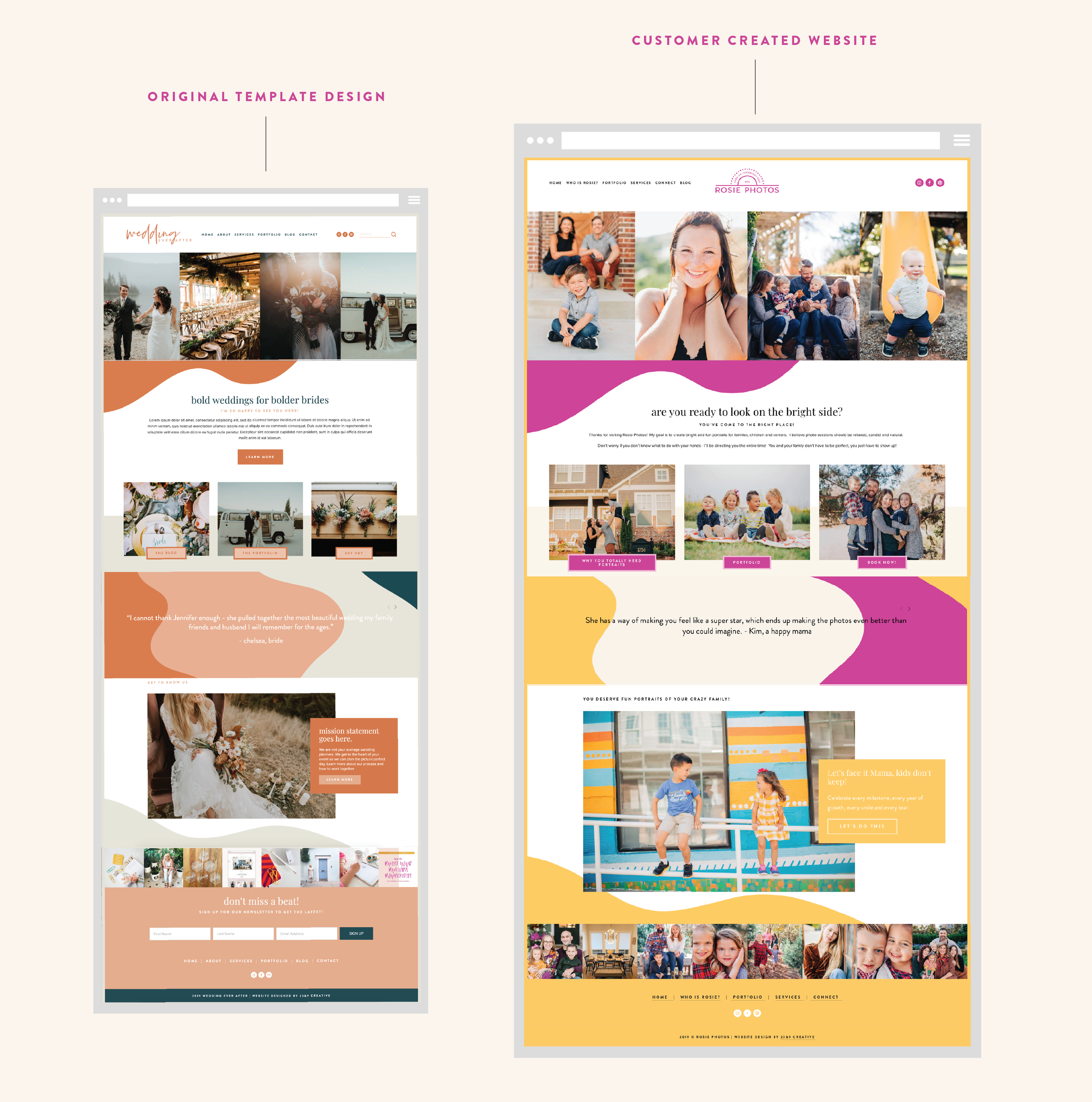
Over the past few years the idea of “website templates” have become more and more popular (and for a great reason!). I get a lot of questions about what that exactly means, how it works and why you would need it. Well have no fear, I am here to explain all the template mysteries!

Engaging with an email list is a great way to gain traction to your website, appeal to new clients or customers and share some valuable information like tips or the latest in industry news.
There are so many email campaign platforms out there, but the one already hosted within your Squarespace site can be your best go to. I personally use Squarespace email campaigns and it is a great option!

While a cookie banner is a must for your website thanks to GDPR compliance rules and Squarespace does have a setting for this, it could use a little help in the custom coding department to make it a little bit more aesthetically appealing.

I love a good podcast during some down time on the weekends or on my way to work! Check out some of my favorites that I recommend subscribing to. Some are more “professional” than others, but whatever the case, they always provide me with some great advice and takeaways.

I have been a Google Chrome fan for a while, even before I really started digging into website design. Ever since I working more intently with Squarespace websites, I have found a few plugins that have been great resources for me! See below!